
Make sure you downloaded the FleetGO Driver Card Terminal app on your computer.
I receive errors when I put in my driver card:
Try to put your driver card in backwards. If you still receive errors then re-plug the USB from the driver card reader in your PC.
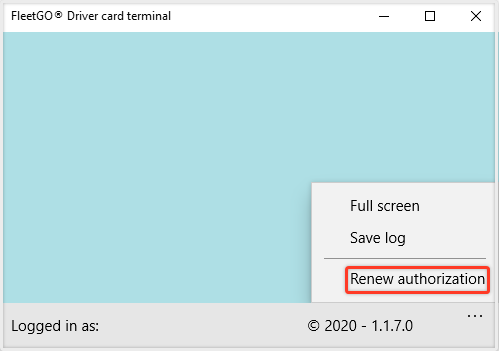
I don’t see anything on screen in the App:
Please re-plug the USB from the driver card reader in your PC, where after an image of the driver card reader appears. If the image does not appear, please go to your Device Manager:
Hold your Windows key and press the R key. Then type in devmgmt.msc and press ‘enter’.
Go to Smart card readers, right click on Microsoft USBccid and delete the device. Now re-plug the USB from the card reader into your PC.
If your question is not solved, please send us a request.
Comments
0 comments
Please sign in to leave a comment.