
This article will explain how to consult the speed graph using the FleetGO Map.
Speed Graph
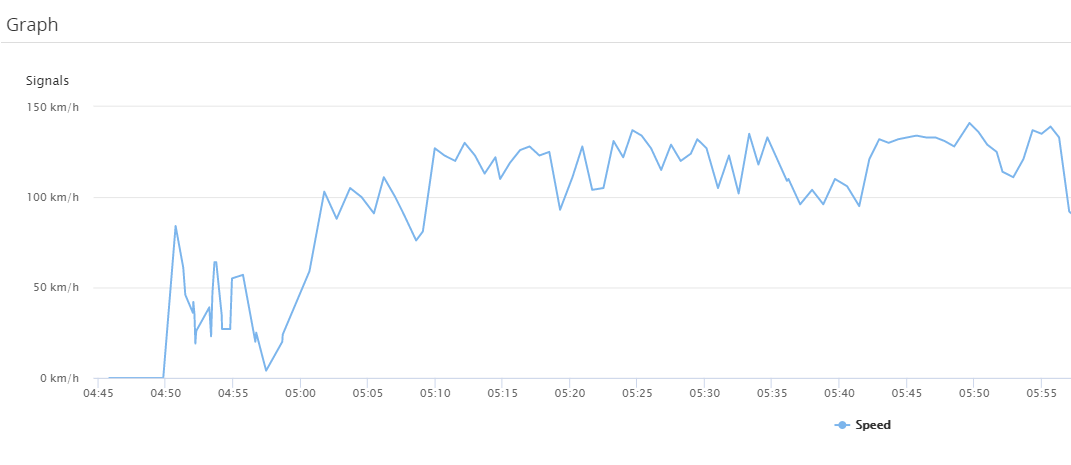
The speed graph shows the calculated speed of a trip using the data which has been send to our platform. By hovering over the line a timestamp and corresponding speed will show. Follow the below mentioned steps to consult this graph:
- Click on the menu Map
- Choose the vehicle you want to consult in the left panel
- The right panel will open. By default it will show the tab Info
- Navigate to the tab Trips
- Choose the trip you want to see. It will automatically show the trip on the map
- Click on the icon
next to the trip
- Now you'll see all the excesses which have been made
- To consult the speed graph click on the icon

Tip: To change the system of measurement to Imperial head over to Management - Users and click edit using the three horizontal stripes
Comments
0 comments
Please sign in to leave a comment.